Business Type
IT Support for Remote Teams
For distributed teams whose employees need dependable help wherever they work and whichever supported business device they use.
Distributed Work
Support for Distributed Teams
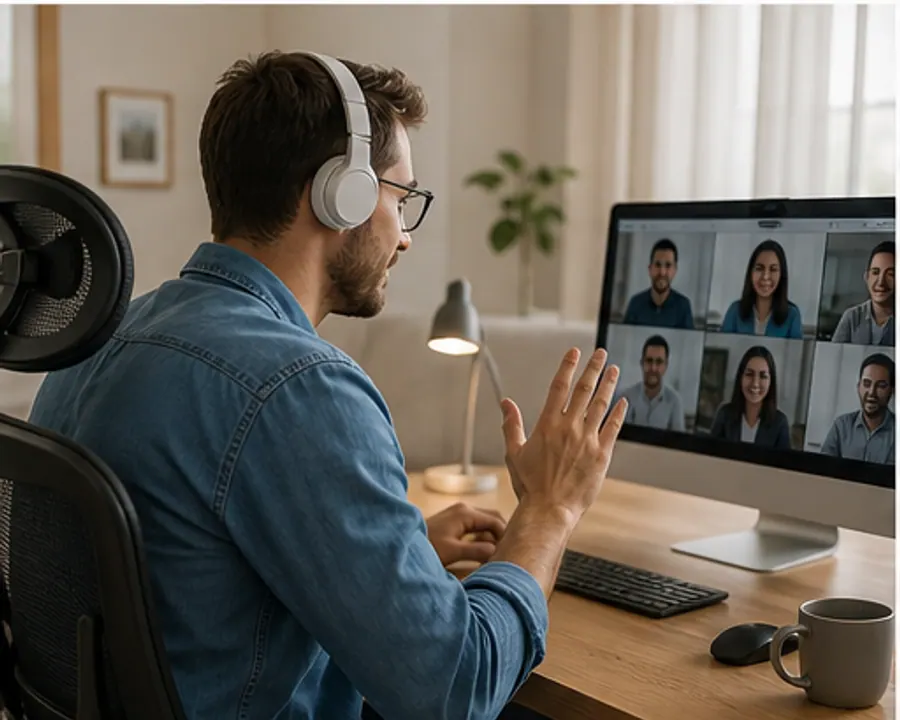
A remote employee loses access to email or a business application and cannot walk over to an IT desk. The support process must work through clear channels and approved remote access.
A remote-first helpdesk receives requests through agreed channels, confirms business impact, obtains user approval, and documents the work completed.
- Users working across locations
- Windows and macOS endpoints
- Home or shared internet connections
- Cloud collaboration and SaaS tools
Remote Work Technology Checklist
- Remote device troubleshooting
- Secure account and application access
- User onboarding and offboarding
- Clear support and communication channels
Support Workflow
How We Support Users Remotely
- 1
User submits the issue and affected device
- 2
Support confirms priority and next steps
- 3
The user approves remote troubleshooting where required
- 4
Resolution and follow-up guidance are recorded
A Consistent Remote Helpdesk
Recommended Services
Services Relevant to Remote Teams
These services address the priorities described above. The agreed scope will identify what MPS manages directly, what remains with your team, and when another vendor is involved.
Remote IT Support
Remote troubleshooting and helpdesk support for users, devices, accounts, cloud tools, and daily IT issues.
Endpoint Support
Cross-platform endpoint support for Windows and macOS devices, access, onboarding, offboarding, and basic security checks.
Cybersecurity Support
Practical cybersecurity guidance for MFA, secure access, endpoint hygiene, email risk, user awareness, and risk reduction.
Give Remote Employees a Clear Support Route
Let us review your users, devices, collaboration tools, and current remote support process.